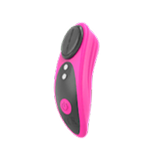
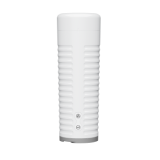
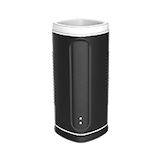
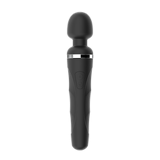
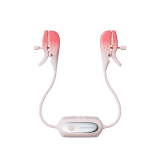
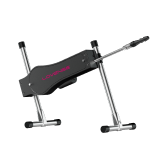
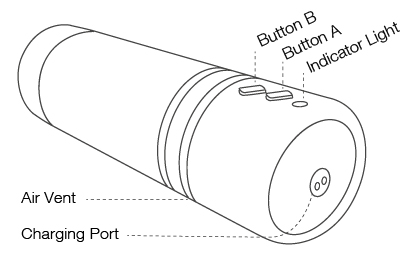
Turn On/Off ------- Press and Hold Button A (for 3 seconds)
Tap Button A ----- Toggles Vibration Speeds
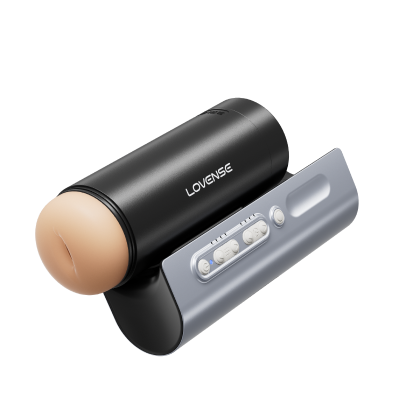
Tap Button B ----- Toggles Air Pump Settings
Air Pump Details:
Level 1 : Subtle Contractions
Level 2 : Mild Contractions
Level 3 : Deep Contractions (tightest)
Charging
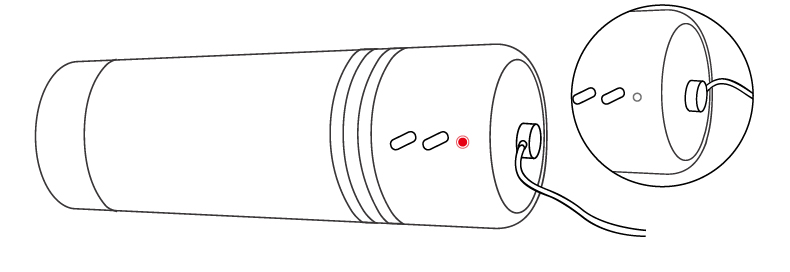
Turn off the device before charging. The cable can be plugged into any USB port or USB/AC power adapter to start charging. It will take approximately 2 hours to fully charge. Once it is fully charged, the solid red light will turn off.
Note:
It is a magnetic charger and will only work if positioned correctly. When attempting to charge, if a solid red light doesn't turn on, rotate the cable 180 degrees. DO NOT use the toy while charging.
Cleaning & Care
· DO NOT boil in water (the battery may explode or water could leak into the toy).
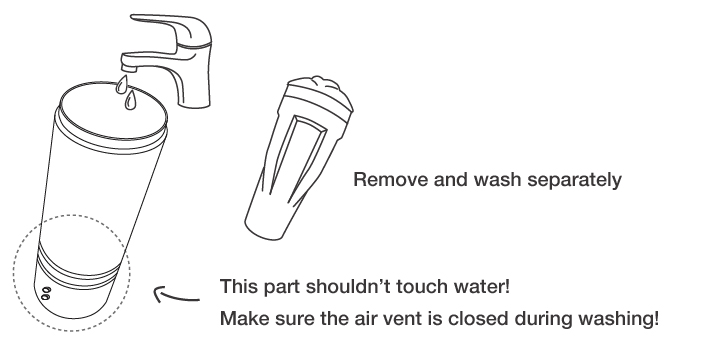
· Clean with warm water. Do NOT use soap on the inner sleeve, as it may degrade the material.
· Dry thoroughly before storing.
· Keep away from extreme heat or cold.
· Make sure your toy is recharged at least once every six months.
Usage Tip
Air Vent
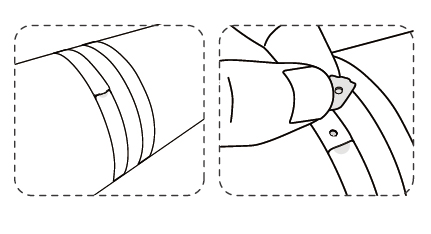
If the toy is too tight, locate the air vent which is on the opposite sides of the buttons. During use, try rythmically covering and uncovering the vent- it may improve the sensation.
Lubricant
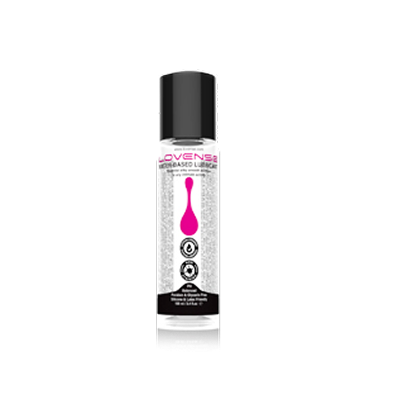
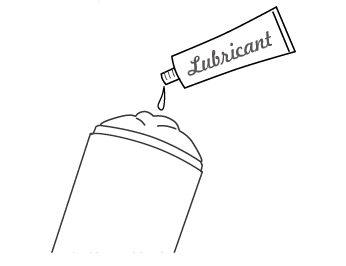
Before insertion, generously apply lube to the inside of the sleeve, the entry hole and your penis. Water based lube may dry out quickly, so you may need to reapply. We recommend using Lovense Water-Based Lubricant for the best experience.
1. Press and hold [toyname]'s ON/OFF button to turn on the toy. A light will flash to indicate it's on and ready to pair.
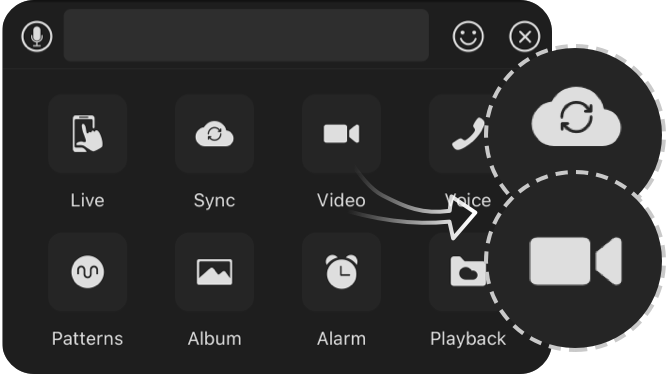
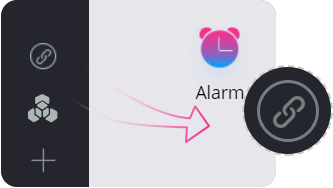
2. Click the icon.
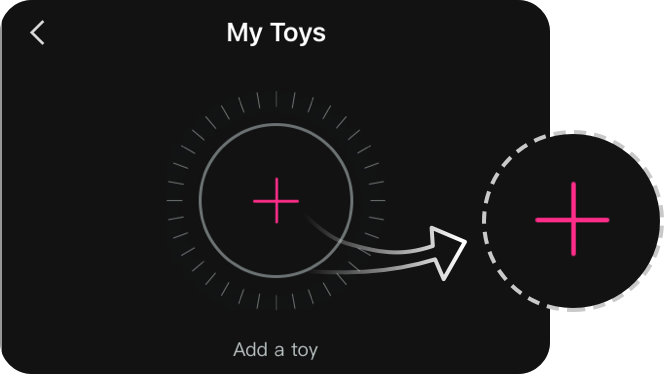
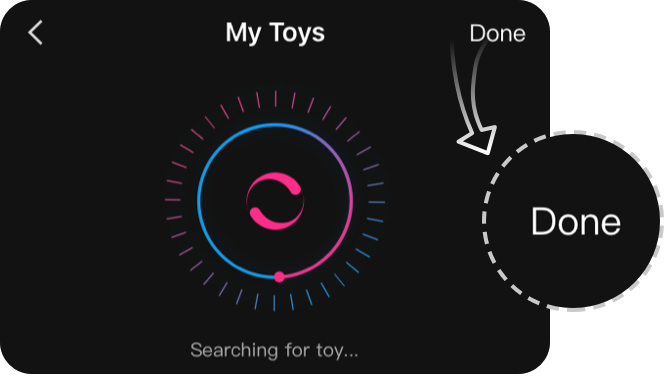
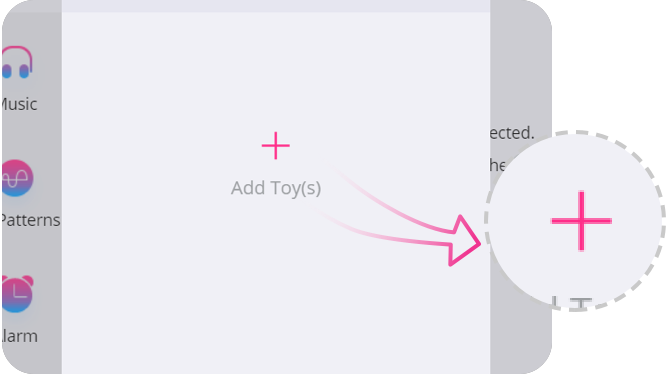
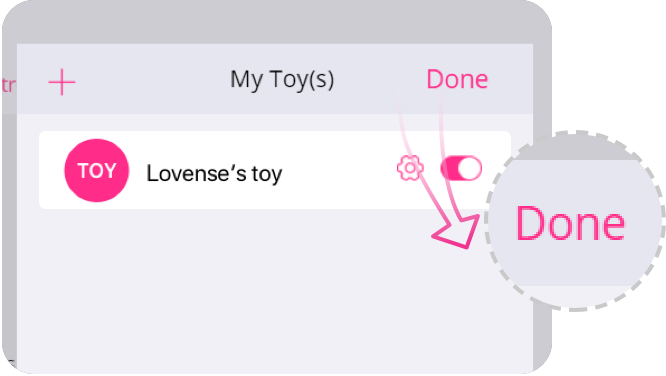
3. Tap "+" to begin searching. After the toy is found, tap "Done". The light will stay on to indicate it's connected. Your toy can now be controlled with your smartphone.
Note:
· You only have to pair your toy once. Next time it should automatically connect to your smartphone.
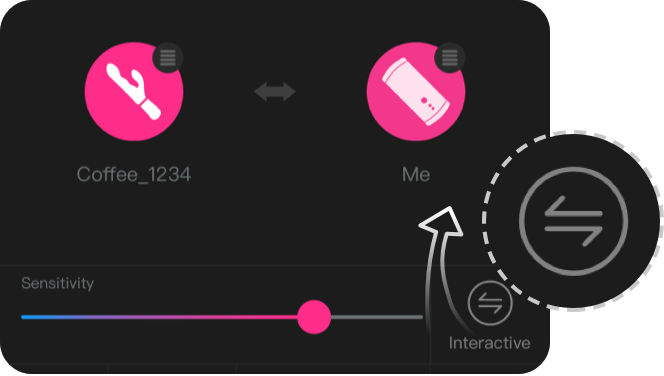
· This icon shows the signal of the connection. It will switch to this one if it disconnects. If paired, it will automatically reconnect.
Pair with PC
1. Press and hold [toyname]'s ON/OFF button to turn on the toy. A light will flash to indicate it's on.
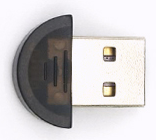
2. Plug the Lovense USB Bluetooth Adapter into a free USB port on your computer.
3. Click the icon.
4. Tap "+" to begin searching. After toy is found, tap "Done". The light will stay on to indicate it's connected. Your toy can now be controlled with your PC.
If you are using Max and have the old generation dongle , use the following guides to pair with your PC:
The email address is not valid. Please try again.Please enter your email address.
Use Now
Check Coupons
Select Coupon
Coupon
Extra Discount
Not available
[amount]
OFF
Applies to [toyname] onlyFor orders over [amount]Valid till - [date]For orders over [amount] and new users onlyCollect NowUse NowCheck CouponsContinue ShoppingFrom [coupon activity name] campaign(CST)ExpiredShop with CouponNot availableBuy with CouponApplyAppliedCode:Copy Code
Mon.Tues.Wed.Thur.Fri.Sat.Sun.
JanFebMarAprMayJunJulAugSepOctNovDec
Date of BirthCancelConfirmMonthDayContinue shoppingUseCONGRATULATIONS!For compliance, please share your birthdate to receive our SMS updates.enSave
Coupons not applicable to Christmas Gift Boxes,Lovense Webcam,Lovense Sex Machine, Lovense Mini Sex Machine,Gush2,Osci 3.
Lucky Buyer Discount
{0} OFF
For your order over {0}
Expires in :
Use
*Applies to any Lovense toy excluding single products with a discount over 50%.
Subscribe and receive your exclusive total of $15 discount!OFFMoreLessSubscription content preferencesEmail frequency preferencesEnter your emailConfirm{0} coupon received. Start shopping now!
You've already subscribed to our newsletter.Use NowCheck CouponsContinue ShoppingSubscribe discountUsedThe email address is not valid. Please try again.Collect NowCollectedYour {0} discount will expire in 29:59Expires in: Hold on!We want to give YOUdiscount for your order todayValid for: 30 minCollect NowCONGRATULATIONS!Expires in :You wonUse NowFor your order over {0}{0} OFFCollectApplies to any Lovense toy excluding single products with a discount over 50%.For your order over {0}
Mon.Tues.Wed.Thur.Fri.Sat.Sun.
JanFebMarAprMayJunJulAugSepOctNovDec
Date of BirthCancelConfirmMonthDayContinue shoppingUseCONGRATULATIONS!For compliance, please share your birthdate to receive our SMS updates.enSave
Coupons not applicable to Christmas Gift Boxes,Lovense Webcam,Lovense Sex Machine, Lovense Mini Sex Machine,Gush2,Osci 3.
My coupon(s)
Subscribe and receive your exclusive total of $15 discount!OFFMoreLessSubscription content preferencesEmail frequency preferencesEnter your emailConfirm{0} coupon received. Start shopping now!
You've already subscribed to our newsletter.Use NowCheck CouponsContinue ShoppingSubscribe discountUsedThe email address is not valid. Please try again.Collect NowCollectedYour {0} discount will expire in 29:59Expires in: Hold on!We want to give YOUdiscount for your order todayValid for: 30 minCollect NowCONGRATULATIONS!Expires in :You wonUse NowFor your order over {0}{0} OFFCollectApplies to any Lovense toy excluding single products with a discount over 50%.For your order over {0}For orders over {0}Expiration Date:Coupon RulesApplies to any Lovense toy excluding Lovense Webcam2, Lovense Sex Machine, Lovense Mini Sex Machine.Applies to any Lovense toy excluding single products with a discount over 50%.Cannot be used with other Lovense discounts.Use itCopy CodeCode:Copied successfully!copy failed
CONGRATULATIONS!{0} OFFFor your order over {0}Expires in 3 daysUseRecommended ToysClaim & Shop Now!You won {0} couponsYou've Obtained {0} Amazing Coupon(s)!Expires in {0} days*Best discounts auto-selected at checkout.Expires {0}
Your order can't be automatically tracked because the sign-in email doesn't match.
Use NowMoreFOR YOUR ORDERLovense Solace Pro is coming soon! Reserve now for 53% off, a $10 coupon, and a free bottle of lube! Let's enjoy AI sync auto-thrusting together!Copy successfulFor orders over {0}Valid now, use for other Lovense toysConfirmOKBuy NowMy CouponsUsed
Cancel
Answer 3 questions to reveal your fortuneSelfScenarioChallengeReveal My ReadingYour 2025 ReadingShareBuy Now
Thanks for subscribing!
The email address is not valid. Please try again.
Freebie
Black Friday
Toys recommended by your friends
Discount
For orders over {0}
Claim Coupon(s)
Check out this toy
Go shopping
Congratulations
Your friend give this coupon to you,hurry up and get your coupons!
Your friend just made an order, you get a coupon!
Sorry, you are late. The current coupon has been claimed by someone else.
Sorry, you are not eligible to receive coupons
Only new users are allowed to receive coupons
Your friend just made an order, you get {0} coupons!
Sorry, please check if your account is correct.
Go check account
You have already received the coupon, go use it now
You have successfully received the coupon, use it now
Please come back in {0} days
The current order does not meet the activity conditions of "order received"
OK
Congratulations
The mystery prize will be sent out after the order is signed.
OK
Sorry, you didn't win the free order.
Explore more exclusive deals
Once the order is received, we will send your refund.
Once the order is received, we will send your refund.
Your friend has visited the website and you can receive a {0} coupon!
Coupons not applicable to Christmas Gift Boxes,Lovense Webcam,Lovense Sex Machine, Lovense Mini Sex Machine,Gush2,Osci 3.
You Got a {0} Coupon!
Email me a reminder before it expires!
Referral Link Unavailable
This link is expired. Please try another link.
OK
What You May Like
You can unsubscribe at any time using the link in the newsletter. By clicking on the sign-up button, you agree to our Terms of Use and Privacy Policy.
Submit
Enter your email
The Deeper, The Stronger
60% OFF
New Mission 2
Equipped with depth sensors that intensify vibrations when deeper inserted.
Discover
Buy NowFind Your Perfect LushRecommendedLearn MoreBack
For security purposes, please verify your account via email.
Email Address
Send
Code
If you encounter any issues, please email our team at [email protected]
Cancel
Confirm
Account Verification Required
We’ve detected a potential security issue with your account. To protect your data, please reset your password now.
Remind Me Later
Reset Password Now
Sent successfully, please pay attention to the email
We’re Restocking Soon!
The Lover Set is currently out of stock. Enter your email below, and we’ll notify you the moment it’s back.
Enter your emailPlease enter a valid email address.
Thanks! We've received your email!
You're already on the list! We'll notify you once the Lover Set is back in stock.
Unauthorized Domain
The domain you are currently visiting is NOT an official Lovense website.Please navigate directly to our official site: https://www.lovense.com
Copy Official Link
Feedback
Coupons
src=""/>
Coupon
Coupons
Collect Now
FREE shipping
00:00:00
Buy now with {0} offBuy now with {0} offCoupon
We’d love your feedback
Take a quick 5-second survey, thank-you!
Start Now
How did you first hear about Lovense?
From a friend or family member
Search engine (Google, Bing, etc.)
Camming site or livestream
Social media (Instagram, TikTok, Facebook, etc.)
Adult content site
Local store or offline event
Gaming platform or in-game
AI chatbot or virtual companion
News article or review
Received as a gift
Other
Submit
Please tell us your answer in the box.Please select an option first.Submitted Successfully!
en01777433143197true Thank you!We are temporarily unable to ship to APO/FPO locations. Please accept our apology for the inconvenience. Version: 30.1.9 (11/04/2020) Version: 30.10.3 (05/09/2024)30.1.930.10.3
Our site uses cookies. By continuing to use our site, you agree to the use of cookies. For more information about the use of cookies on our website, please see our Privacy Policy.
OK
We respect your privacy.
We use cookies on our site to enhance your experience, improve our site, and to deliver content and ads that are relevant to you. For more information about the use of cookies on our website, Read more in the Lovense Cookie Policy.
Manage Cookies
Accept Necessary
Accept All Cookies
Manage Cookies Settings
Cookie is a small file that, when saved on your device, can provide specific functionality support for Lovense websites and online services. On our website, we use the following types of Cookies. For detailed information, please refer to our Lovense Cookie Policy.
Strictly Necessary Cookies
These cookies are necessary to ensuring that our Website and Apps work properly for visitors and registered users, such as maintaining security, authentication, and logging in, and ensuring the ability to securely complete transactions. These cookies cannot be switched off in our systems. You can set your browser to block or alert you about these cookies, but some parts of the site will not then work. These cookies do not store any personally identifiable information.
Functional Cookies
These cookies enable our Website and Apps to provide you with enhanced functionality and personalization. They are used to remember your account and preferences over time, such as keeping yourself logged in when returning, maintaining your choices on how you want the Website to appear (including keeping track of your preferred language and country), and customizing content based on how you use our services. If you do not allow these cookies, then some or all of these services may not function properly.
Performance and Analytics Cookies
These cookies help us understand how visitors interact with our Website and Apps by providing performance data on how our services are functioning, including data on site functionality and speed to help us optimize the Website, how the Website is used to help us improve your experience, and detecting and gathering reporting on bugs. All information these cookies collect is aggregated and therefore anonymous. If you do not allow these cookies, we will not know when you have visited our site and will not be able to monitor its performance.
This order has been cancelled.
We will initiate a refund that should reach you within 7-10 working days.
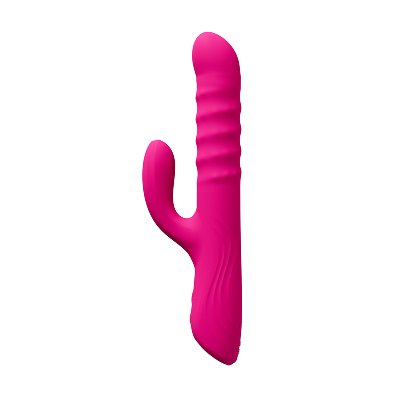
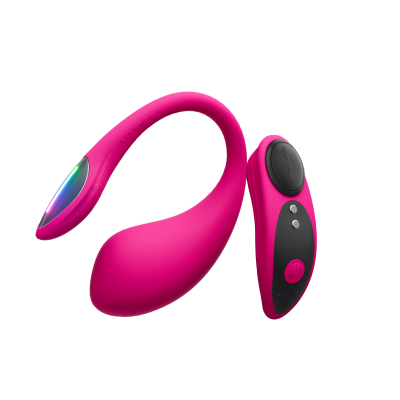


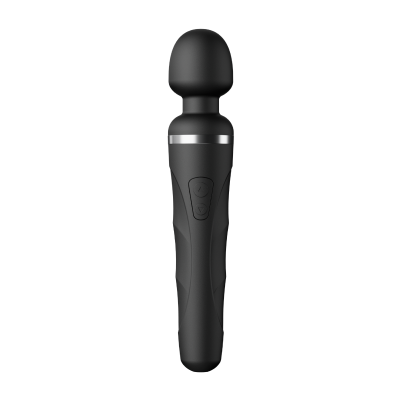
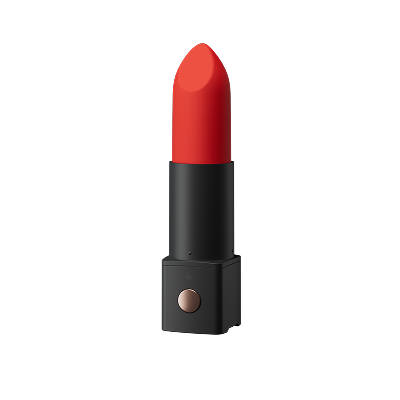
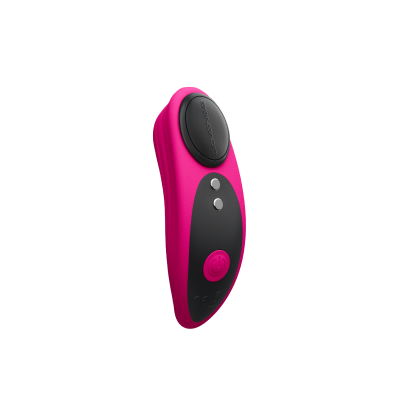

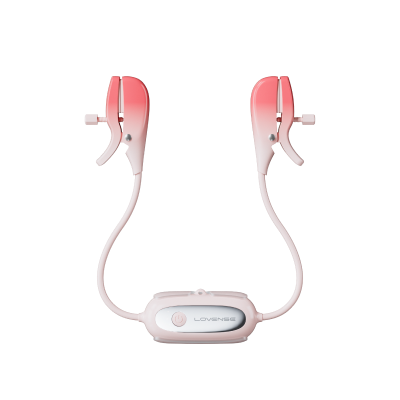



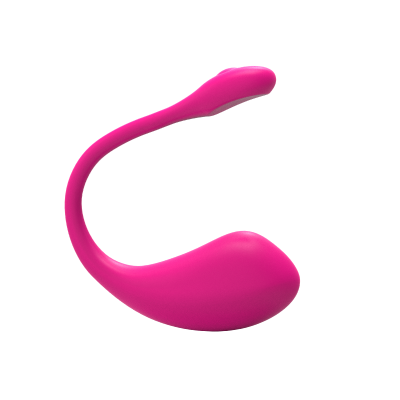
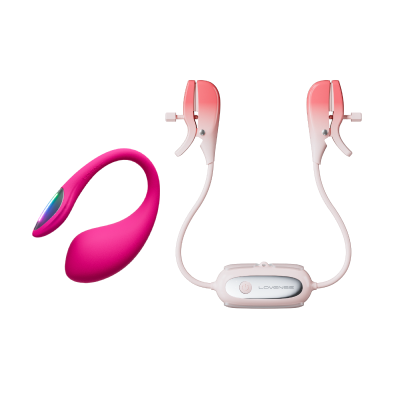
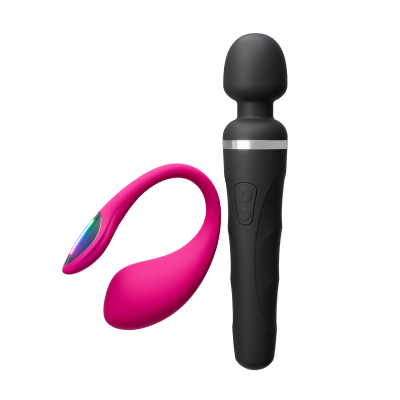
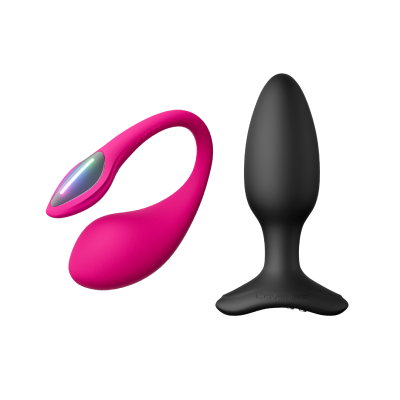
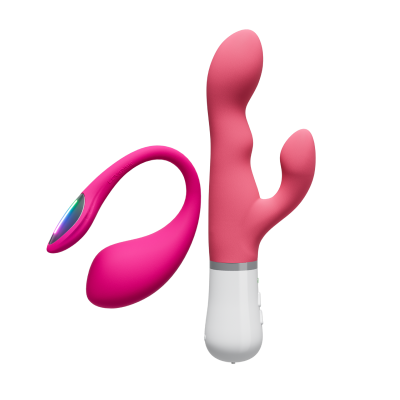


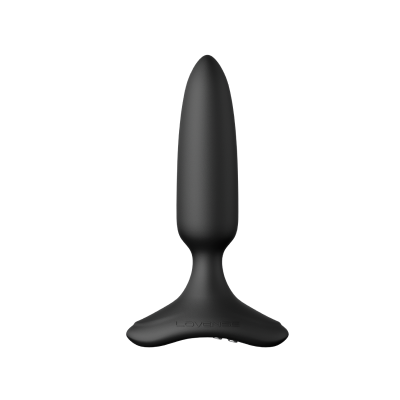

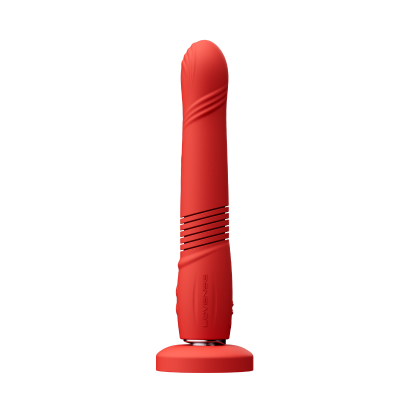
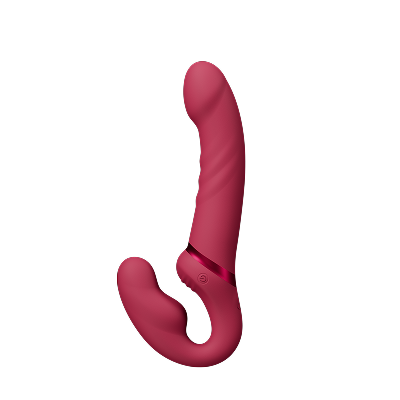
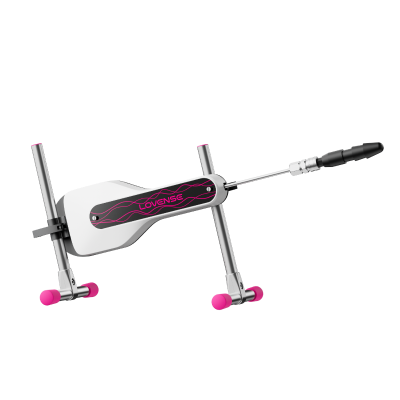
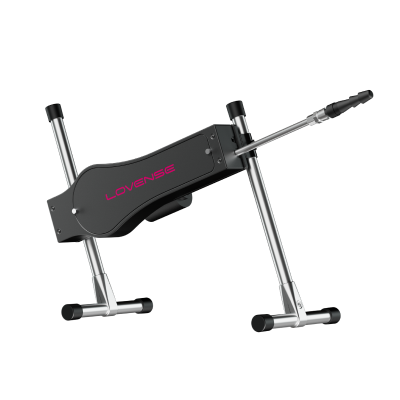
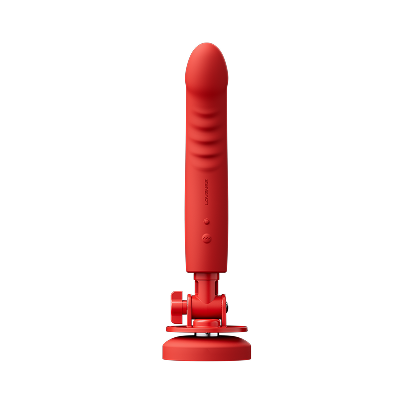
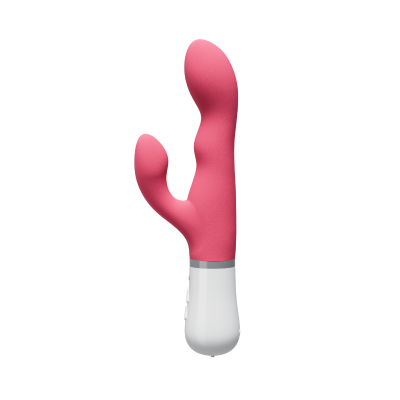
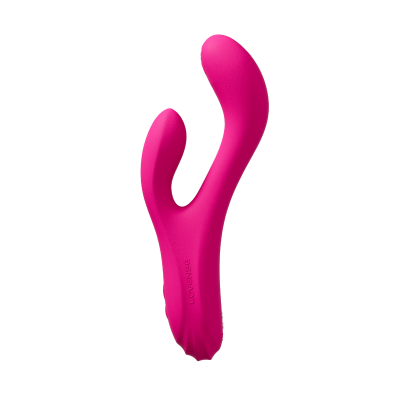
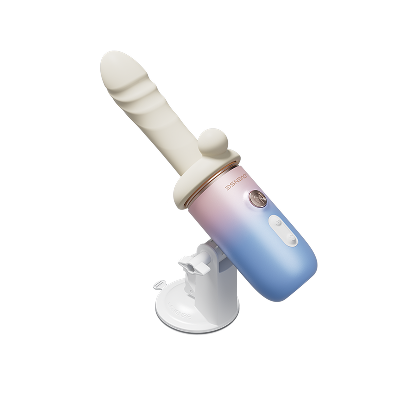

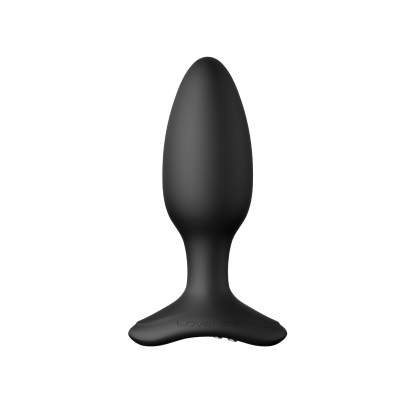
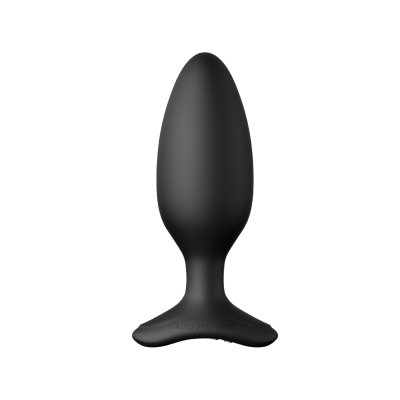
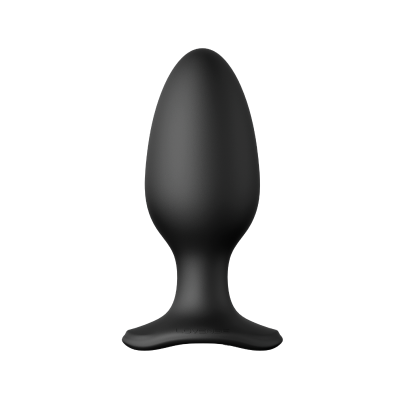
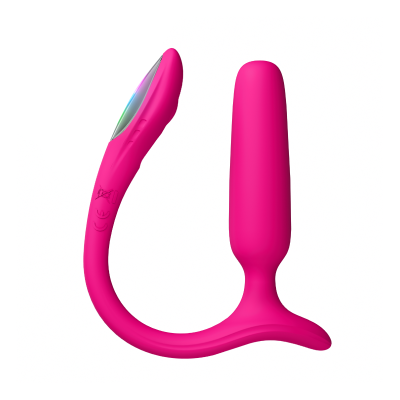
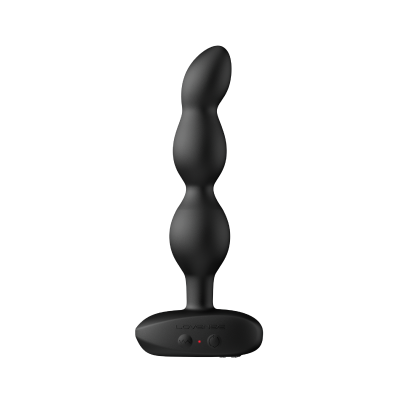




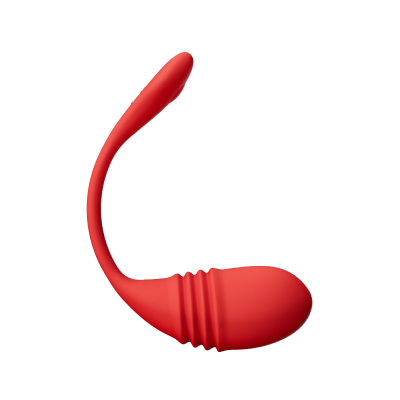

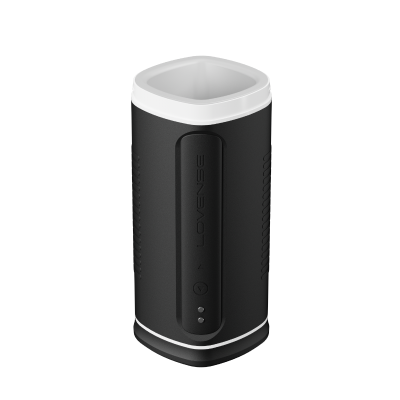
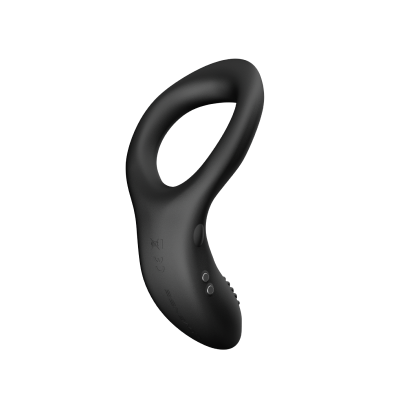
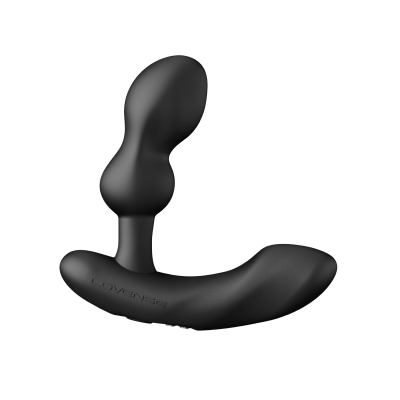
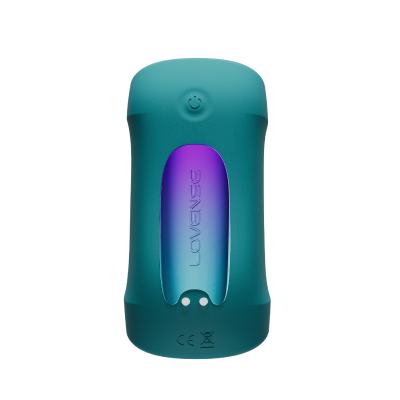

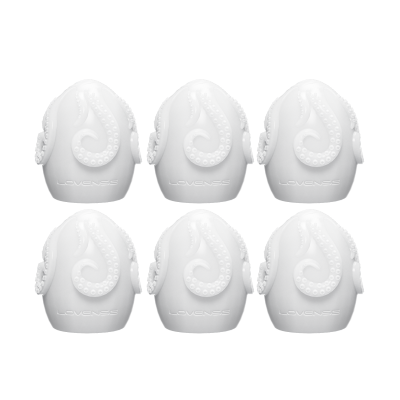
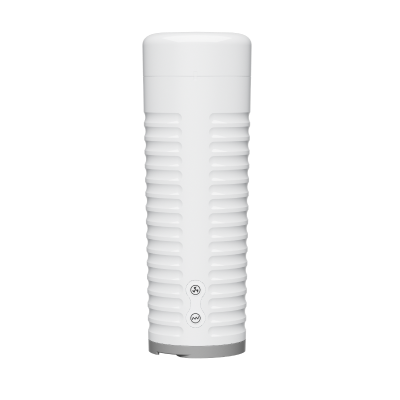
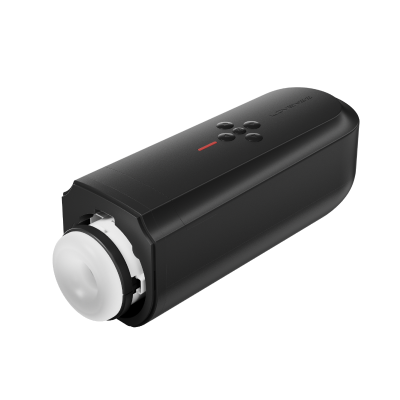


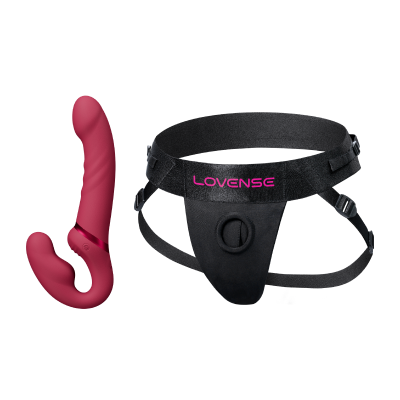

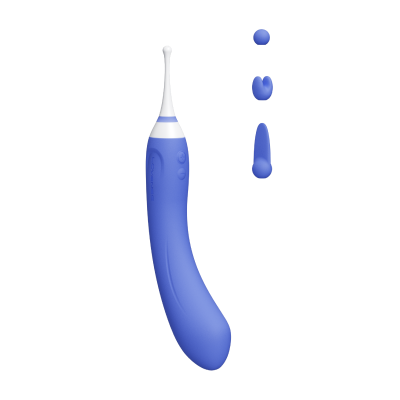


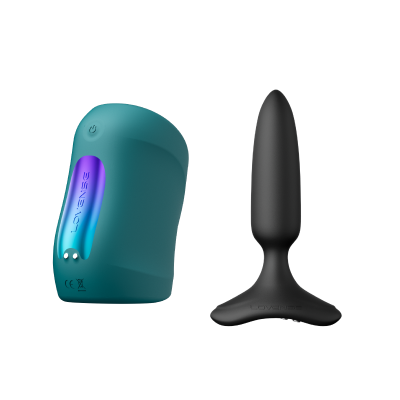
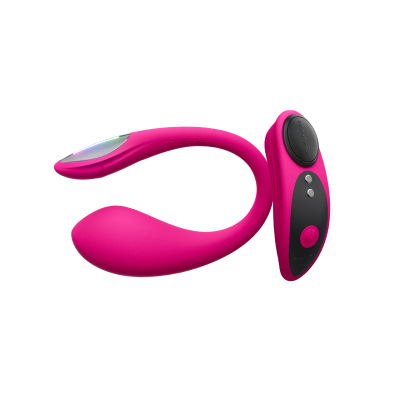
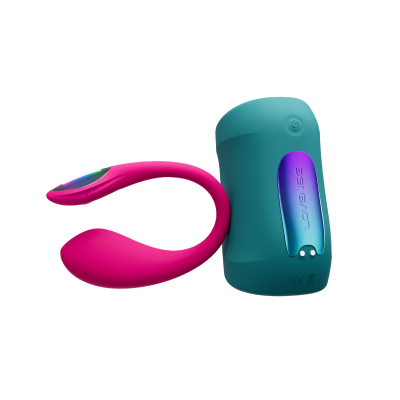
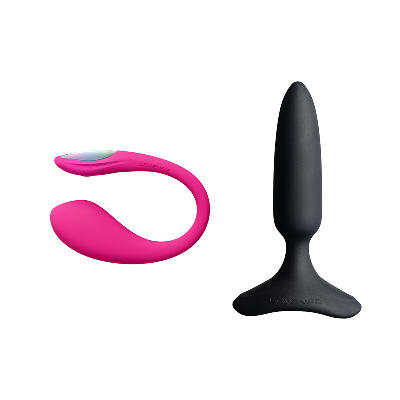


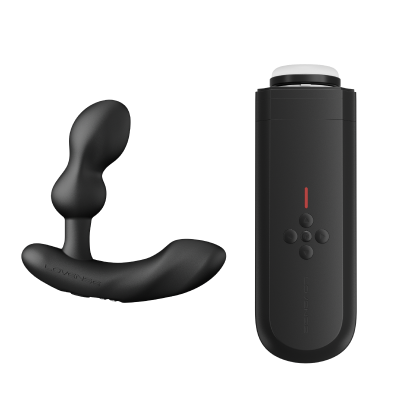
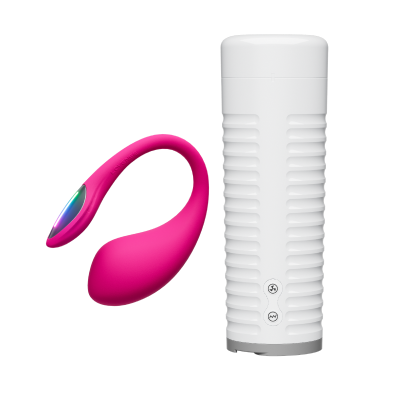
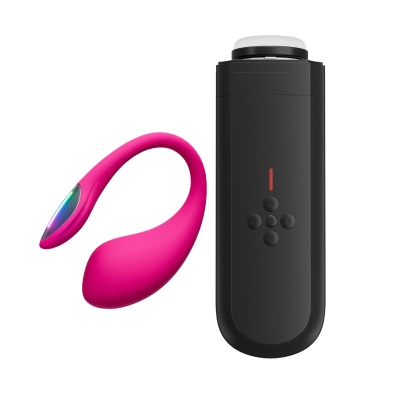
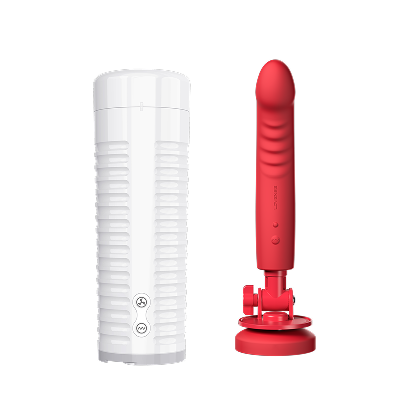

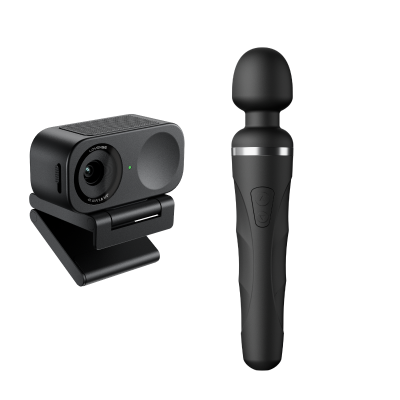
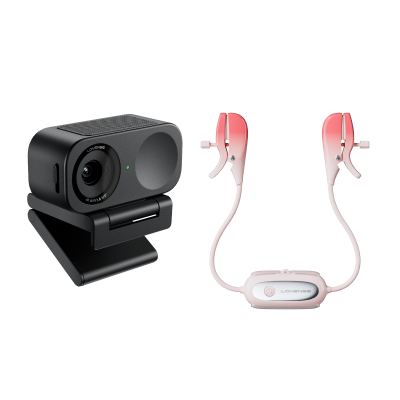

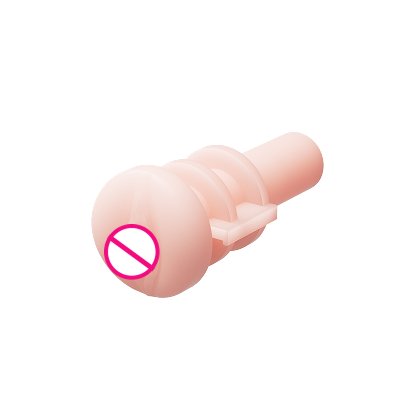
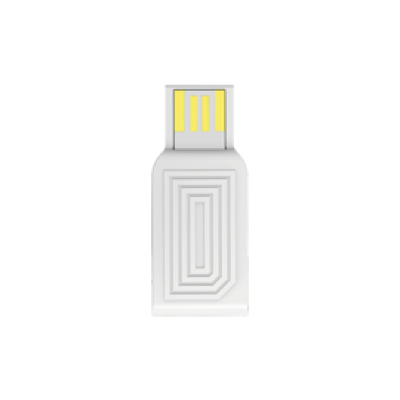
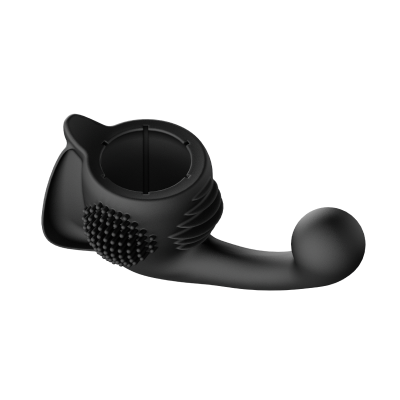
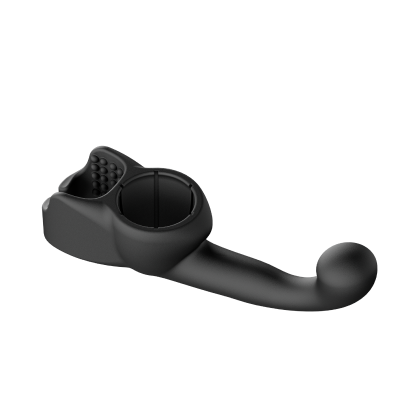


 Ambi
Ambi Calor
Calor Diamo
Diamo Dolce
Dolce Domi
Domi Domi 2
 Edge
Edge Edge 2
 Exomoon
 Ferri
Ferri Flexer
 Gemini
 Gravity
 Gush
Gush Gush 2
 Hush
Hush Hush 2 (1 Inch)
 Hush 2 (1.5 Inch)
 Hush 2 (1.75 Inch)
 Hush 2 (2.25 Inch)
 Hyphy
Hyphy Lapis
Lapis Lovense Mini Sex Machine
 Lovense Sex Machine
 Lush
Lush Lush 2
 Lush 3
 Lush 4
 Lush Mini
 Lush Anal
 Max
Max Max 2
Max 2 Mission
 Mission 2
 Nora
Nora Osci
Osci Osci 2
 Osci 3
 Ridge
Ridge Solace
 Solace Pro
 Tenera
 Spinel
 Tenera 2
 Vulse
Vulse Velvo
Velvo


 )
)



 icon.
icon.  shows the signal of the connection. It will switch to this one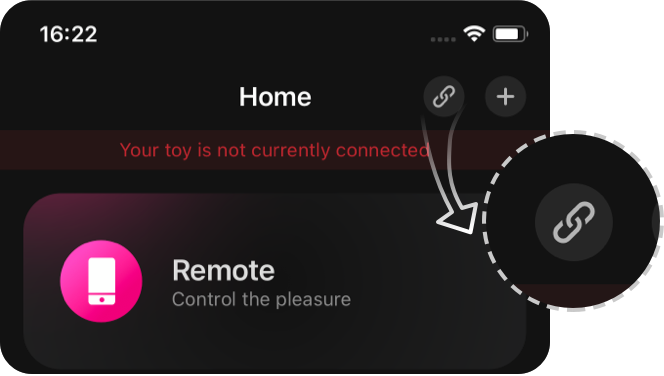
 , use the following guides to pair with your PC: